Stop being the company memory.
Supernatural keeps the context. Blue does the work, after you approve.
For clinics, firms, schools and agencies. Free during the beta.
- The whole company in one placeMail, calendar, files, customers, projects and money.
- Blue does the workYou see each change and approve it first.
- Your own AI keyYour data is encrypted, kept in India, and never used to train AI.
- One price for the team99 USD a month for up to 25 people. Free in the beta.

Take the company.
Leave the office.
Everything you need to know, in one conversation.
How it works
A day at work
Four moments that used to need you.
-
A clip of a responsibility called Friday chase. Its steps read: find all overdue invoices, ask before sending reminders, email a reminder for each overdue invoice, and report who was reminded. A practice run shows one customer has no billing email, so nothing is sent. 8:10 Money
Late invoices get chased.
Blue finds what is overdue, asks before any reminder goes out, and tells you who was reminded.
-
A clip of Mail. In the reply box of a long thread about an invoice, the owner types: accept, ask for the date. They press Draft with Blue, and a full reply appears in the box, ready to edit and send. 11:00 The inbox
A long thread, answered in a minute.
Say the gist in a few words. The reply waits in the box until you read it and send it.
-
A clip of Sign. A services agreement is being prepared: the signing order is set, a signature field is placed on the page, and the agreement is ready to send to sign. 14:30 A contract
The agreement goes out for signature.
Choose who signs and where. Each signer gets a private link by email, in the order you set.
-
A clip of Calendar with Blue open beside it. The owner types: move my 3pm supplier call to Friday at 3pm. Blue moves the call, a tile says Changed, and the calendar jumps to Friday. 17:45 Tomorrow
The week, rearranged in one sentence.
Ask Blue to move a call or keep a morning free. It changes the calendar and shows you what moved.
Your approval
Nothing happens without your yes.
Blue shows you exactly what will change, and waits.
- 1You ask in plain words.
- 2Blue shows the plan. Nothing has happened yet.
- 3You press Confirm, or Reject.
The apps
One conversation. Every part of the company.
The apps a company runs on, in one place. Ask Blue from any of them.
Mail
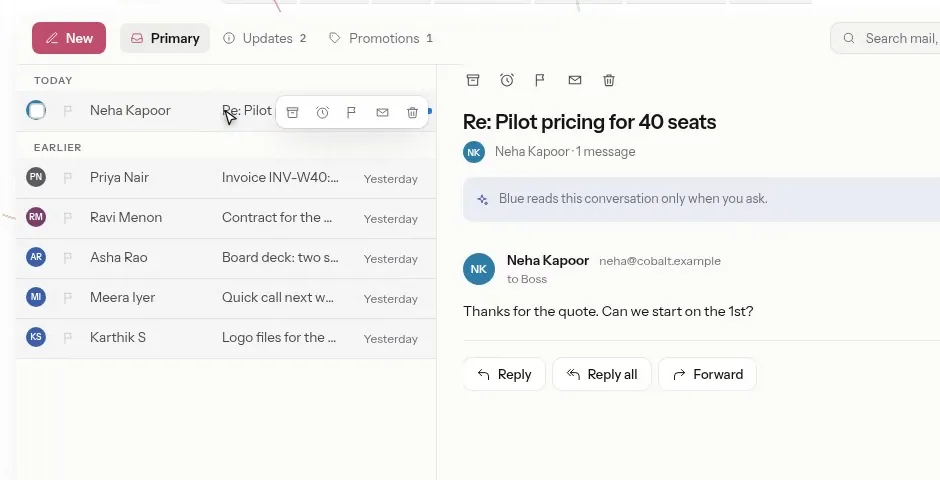
Every inbox in one place. Blue drafts the reply, you send it.
CalendarChronos
Say what should move. The week rearranges and shows you what changed.
SpreadsheetsMatrix
Sheets and charts that stay current with your other apps.
ChatPing
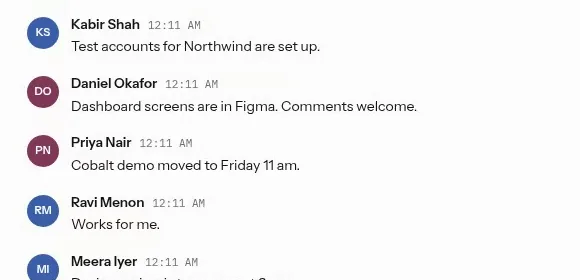
Team conversations, with a catch-up when you were away.
Drive
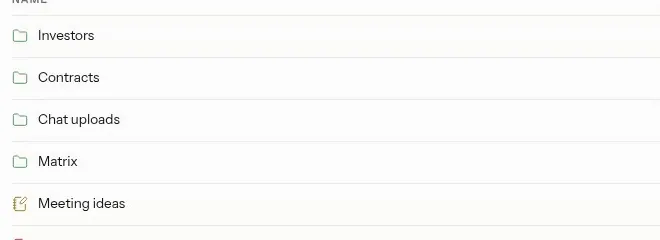
Files, folders and notes for the whole team.
ProjectsAtlas
Tasks on a board. Drag a card and its status changes.
DocumentsWord
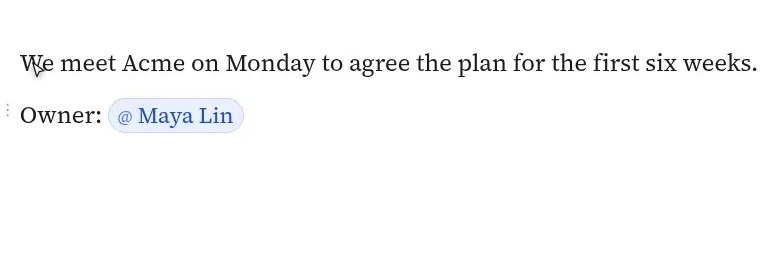
Proposals, letters and notes, with people and records linked in.
ContractsSign
Agreements signed by private link. Signers need no account.
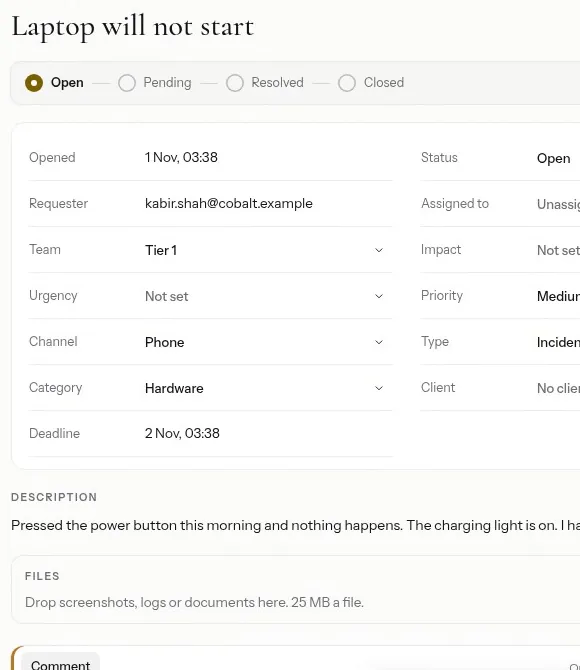
Support deskTurboTick
Every request gets a ticket, an owner and a deadline.
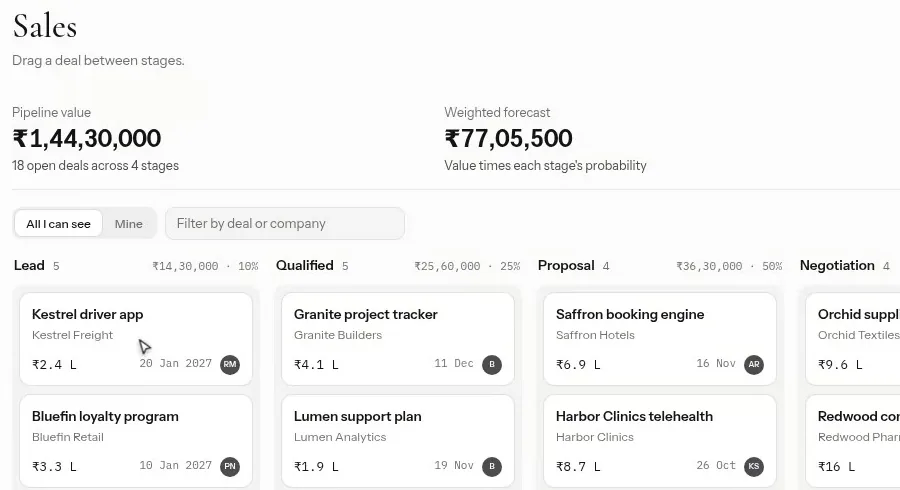
CustomersBridge
Every deal on one board, with the follow-ups that are due.
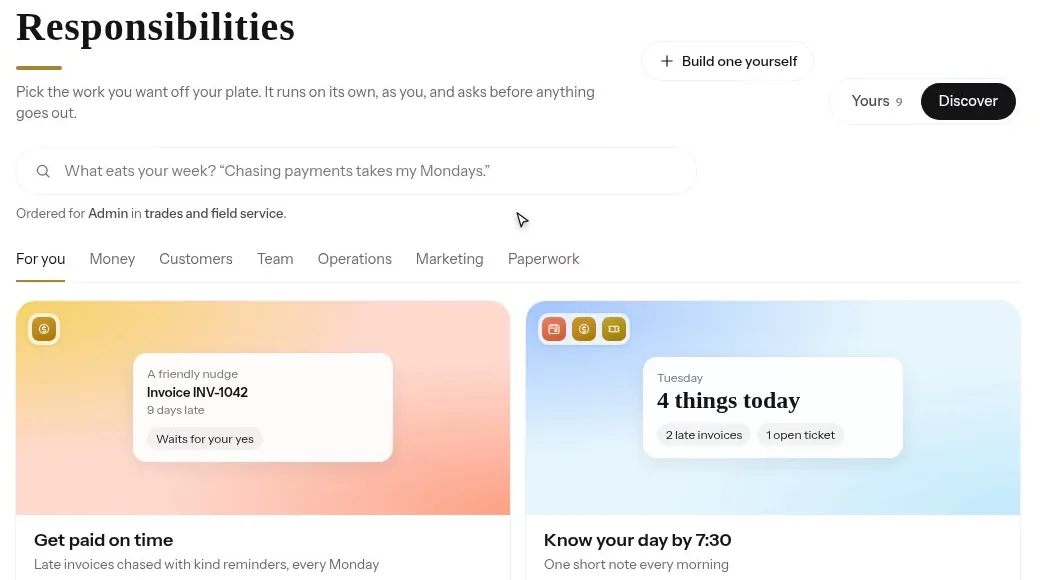
Jobs you hand offResponsibilities
Pick a job, like getting paid on time. It runs on its own and asks before it acts.
MoneyCapital Hub
Quotes, invoices and who owes what.
Inside each app
See each app at work.
Clips from the real product, on sample data.
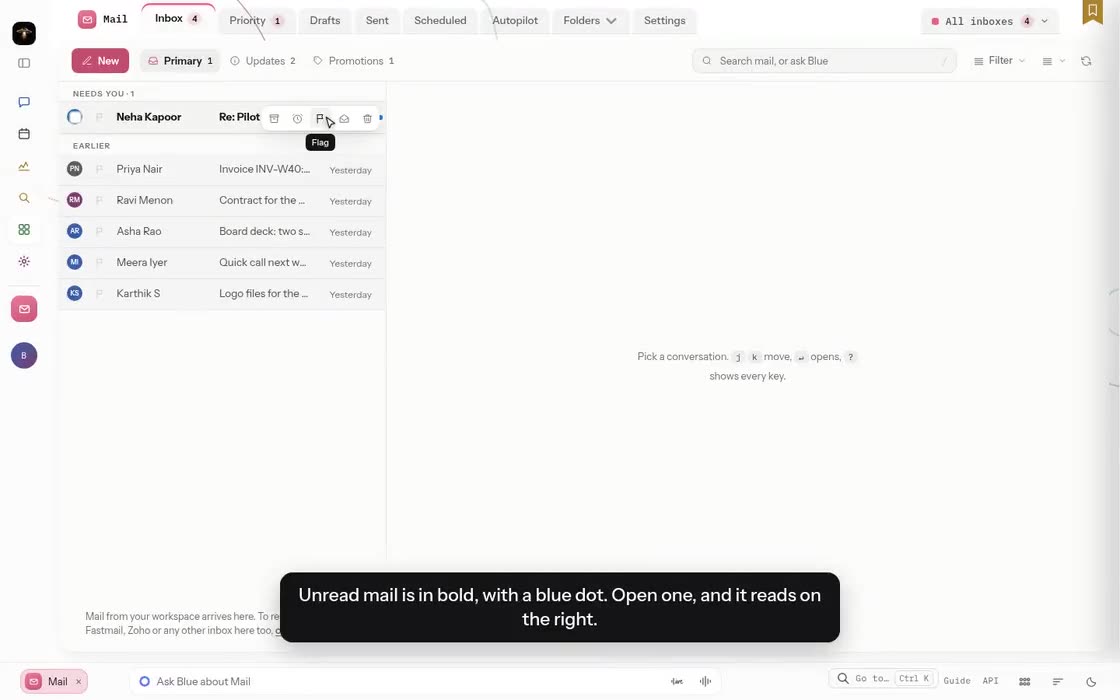
Every inbox, sorted and answered.
- New mail is sorted into Primary, Updates and Promotions.
- Summarise a long thread, or say the gist and press Draft with Blue.
- The draft waits in the reply box. You decide when it goes.
Chronos
Your week, moved by dragging or by asking.
- Day, week, month and agenda views.
- Drag to draw a new event, move one, or make it longer.
- Ask Blue to move a meeting. A tile shows what changed.
Bridge
Every deal, and what you promised to do next.
- Deals on a board, one column for each stage.
- Each stage shows its deal count, total value and probability.
- Follow-ups grouped as overdue, today and coming up.
Atlas
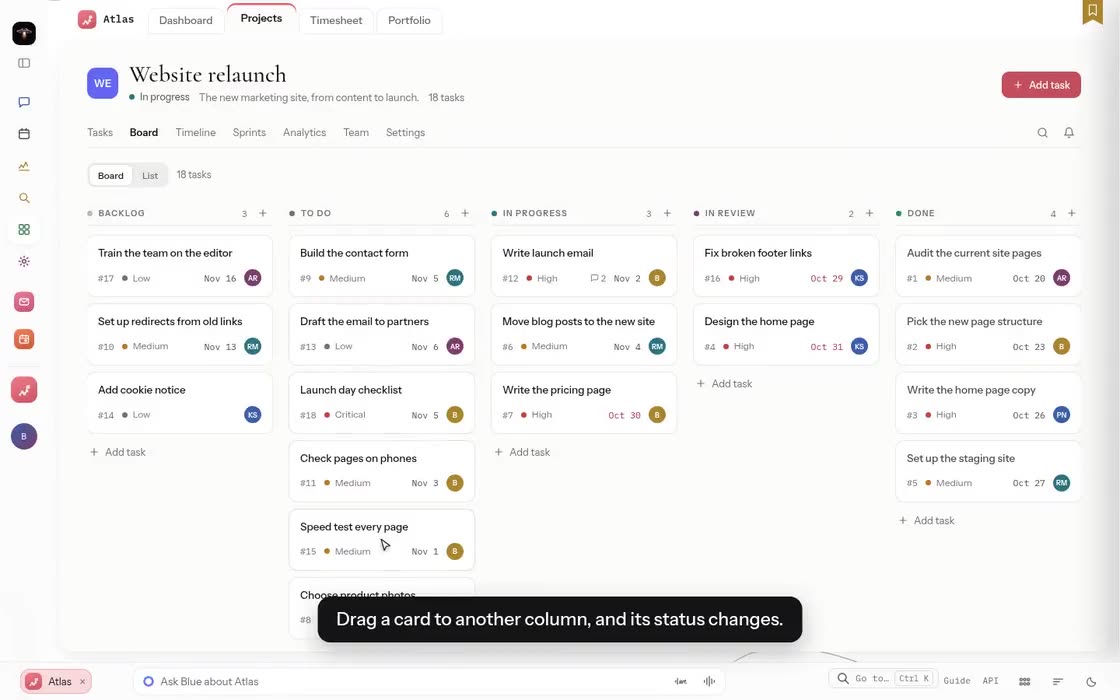
The work, on one board.
- Tasks as cards in five columns, or as a plain list.
- Drag a card and its status changes.
- Comments, files, subtasks and time logged on every task.
TurboTick
Every request gets an owner and a deadline.
- Each ticket gets a deadline from its priority.
- Assign it to yourself, comment, and resolve it.
- Every change is kept as a sentence you can read.
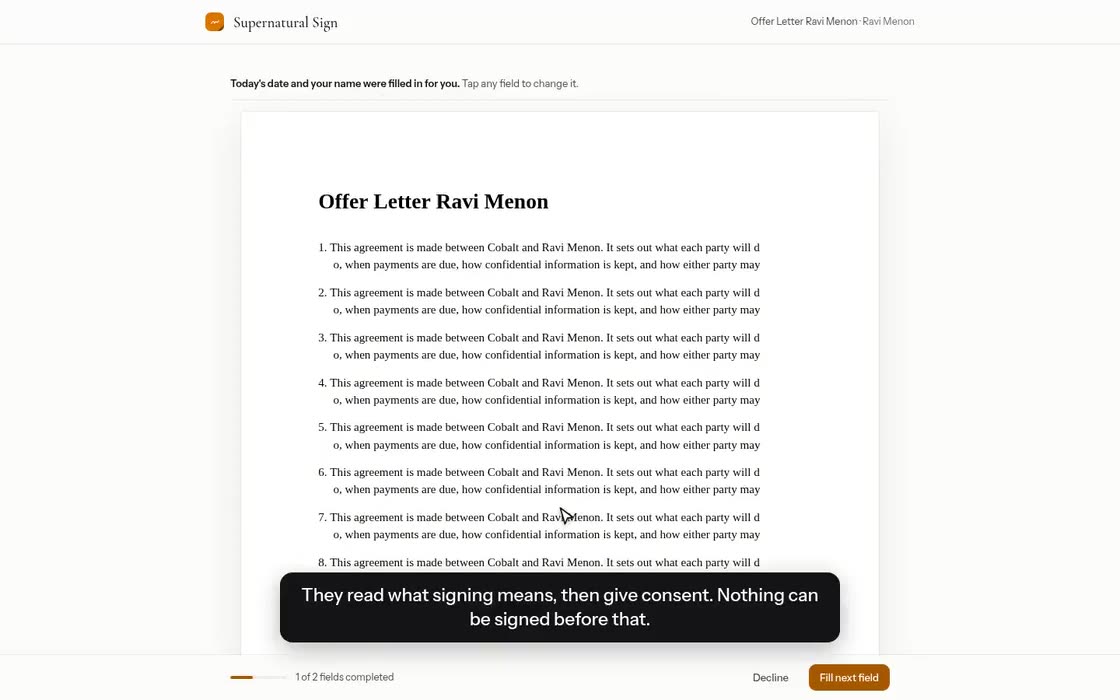
Sign
Agreements signed by private link.
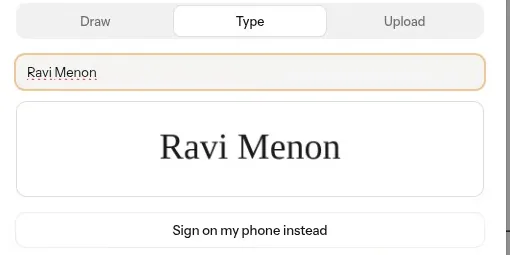
- Signers open a private link. No account is needed.
- Invite in order, all at once, or in a strict order.
- They draw, type or upload a signature and get a signed copy.
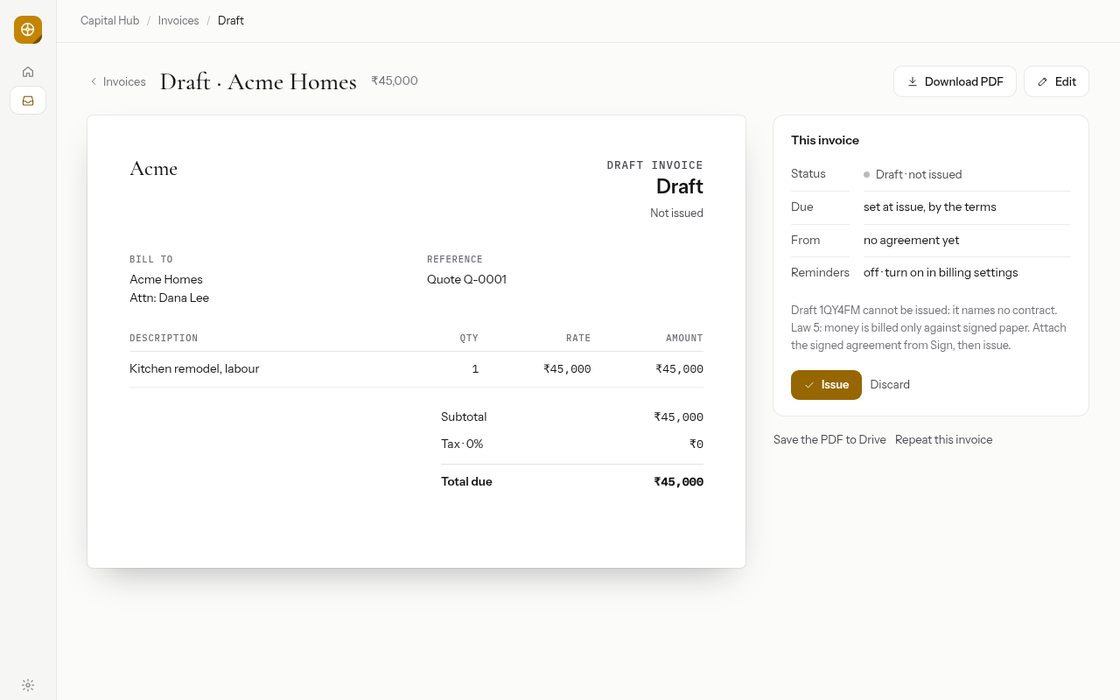
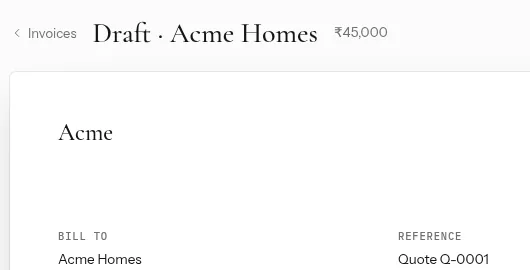
Capital Hub
Quotes, invoices and who owes what.
- Outstanding, overdue and paid this month, at a glance.
- A quote becomes the invoice when the customer signs it in Sign.
- Turn logged time into a draft invoice.
Ping
Conversations, with a catch-up for what you missed.
- Streams for each team, and direct messages.
- Catch up gives a short summary of the last hour, day or week.
- Suggested replies wait in the box. Nothing sends until you press Send.
Word
Write it, or ask Blue for a first draft.
- Headings, lists and tables, saved as you type.
- Type @ to mention a person or a record.
- Ask Blue for a change. It waits as a suggestion until you accept it.
Matrix
Sheets that fill from your own records.
- Live tables bring in your records and stay current.
- Charts redraw as the numbers change.
- Each person sees only what their role allows.
Works with
Bring in what you already use.
- GmailYour mail, read only
- Google CalendarKept in step both ways
- Google DriveYour files, read only
- Other mail accountsBy IMAP
Before anything is connected, Supernatural shows what it will be able to read and change.
Learn it in minutes
A short video for every feature.
210
short videos show each feature step by step, on sample data. They come with your workspace.

Before and after
An owner's day, before and with Supernatural.
| Before | With Supernatural |
|---|---|
| Ten tabs open, copying from one to the next. | One conversation that reaches every app. |
| You remember who owes what, and chase it yourself. | Blue finds late invoices and chases them, after your yes. |
| Long threads wait until the evening. | Say the gist. The reply waits in the box for you to send. |
| Contracts go out by email and get lost. | Each signer gets a private link, in the order you set. |
| Moving one meeting takes five messages. | Say what should move. The calendar changes and shows you. |
| The answers live in your head. | The context is kept in one place, for you and your team. |

Every loose end, in one place.
Supernatural keeps the context. You keep the perspective.
Your data
Your data stays yours.
- Encrypted. When it moves and when it is stored.
- Your own AI key. Your work goes to the AI provider you choose.
- Kept in India. Export it or delete it whenever you want.
- Never sold, never used to train AI. No ads, and no tracking cookies.
On your phone too.
Approve from wherever you are.
Open it in your phone's browser and add it to your home screen, or get the Android app.
Price
Price
- Every app in the suite
- Each 10 more people: 49 USD. Starter for 1 to 3: 49 USD
- The first 1,000 runs a month included
- 100 GB of files and records included
Is my data safe?
It is encrypted when it moves and when it is stored, and kept in India. We do not sell it, show ads, or use it to train AI models. Blue only reads what the person asking could open themselves.
Which AI does Blue use?
The AI provider your workspace chooses, with your own key, such as OpenAI, Anthropic or Google. What Blue needs to answer goes to that provider under your own agreement with them.
What does the beta cost?
Nothing, and no card is asked. A beta workspace has every app, for up to 25 people. Your AI provider charges your own key for what Blue does.
What happens after the beta?
We email every admin at least 30 days before the beta ends. You choose a paid plan, 99 USD a month for a team of up to 25, or take an export of everything. Nothing is deleted without that notice.
Do I need to set anything up?
Add your AI key and invite your team. Connecting Google or another mail account is up to you, and Supernatural shows what it will read before anything is connected. Blue can help you set up the workspace.
Does it work on my phone?
Yes. Open it in your phone's browser and add it to your home screen, or get the Android app.
Can I leave and take my data with me?
Yes. Your data belongs to you, and you can export it at any time. When a workspace is deleted, its data leaves our live systems within 30 days.
Who is the beta for?
Businesses, such as clinics, firms, schools and agencies. There is one beta workspace per company, and the beta is by invitation, for 100 companies.
Early access
What should Blue do first?
The beta is by invitation, for 100 companies. Tell us the first thing you would hand to Blue, and we will mail you an invite code.
Already have a workspace? Sign in
- Encrypted in transit and at rest
- Stored in India
- Your own AI key
- Export or delete any time
- An R&M Product